What Grainwork actually does.
Cabinet design and manufacturing software your shop actually controls. Here is what that means in practice.
7 features
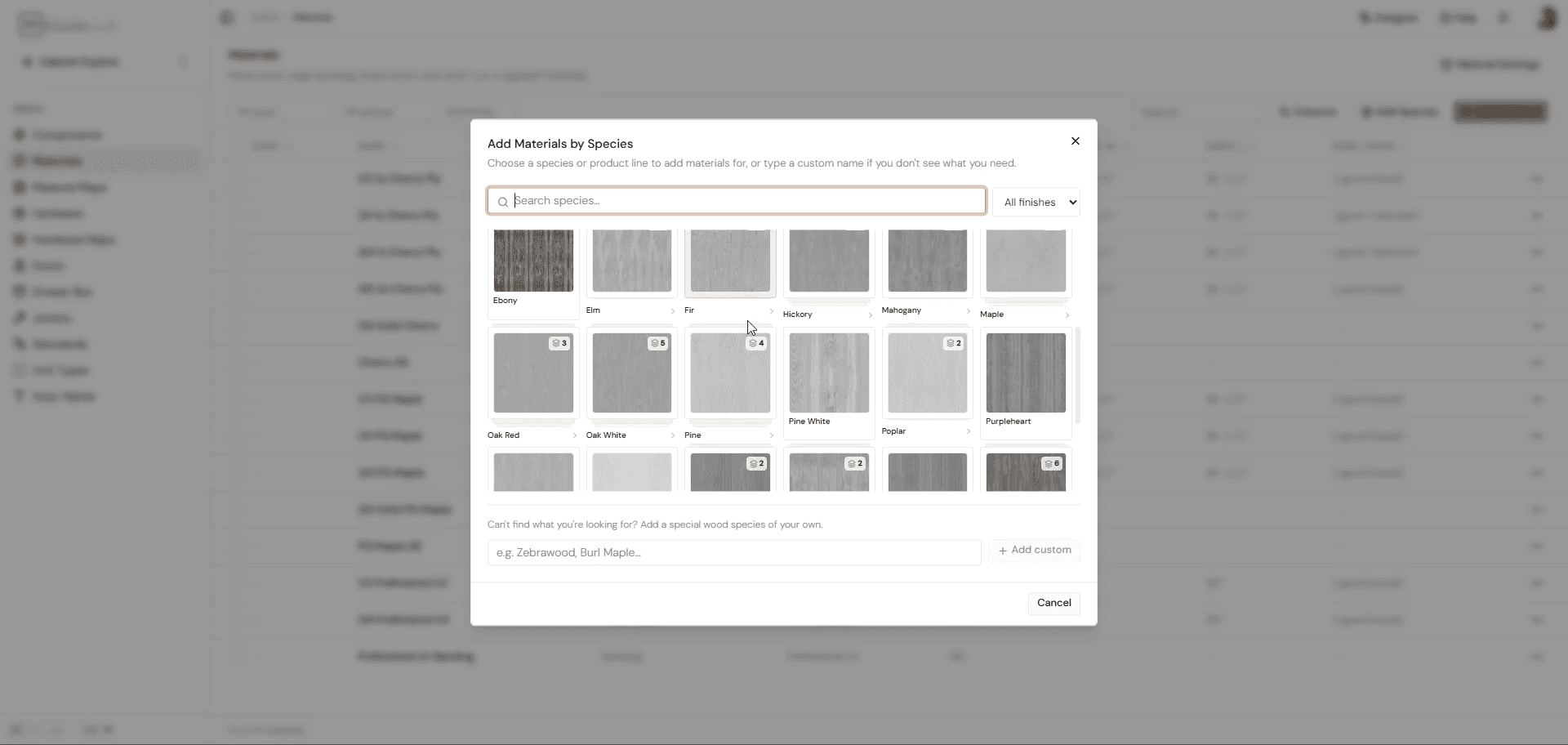
Bulk Material & Species Import
Bulk add a new species from one you already have, with all its materials and mappings included, so you skip the one-by-one rebuild legacy software forces on you.
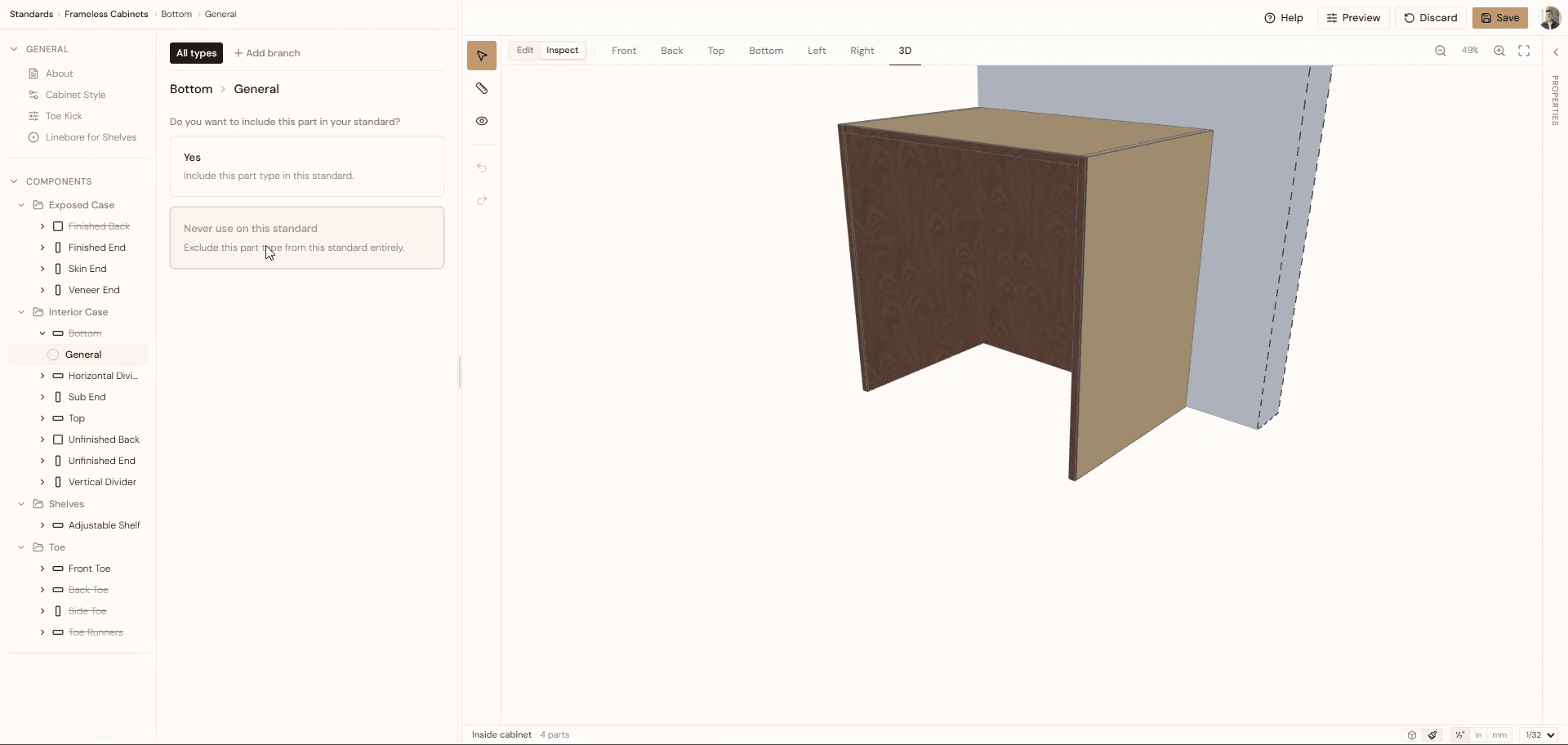
Construction Standard Live 3D Preview
Make a change and watch it appear in 3D right where you made it. No screen-hopping, no guessing, no opening the job to find out you got it wrong.
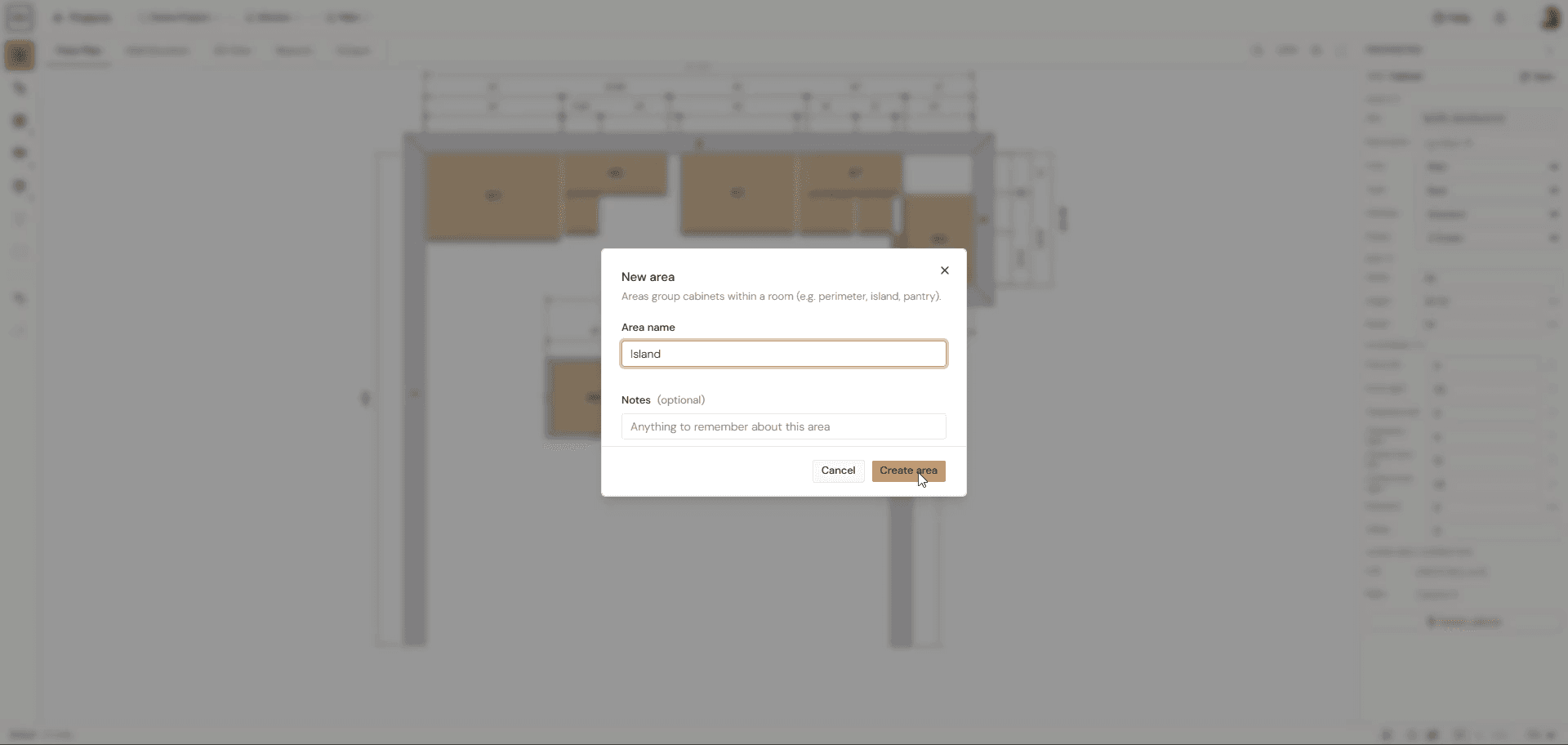
Area-Level Settings
Areas sit between rooms and cabinets, so you can override a setting for just the island or the accent cabinets while everything else keeps inheriting the room defaults.
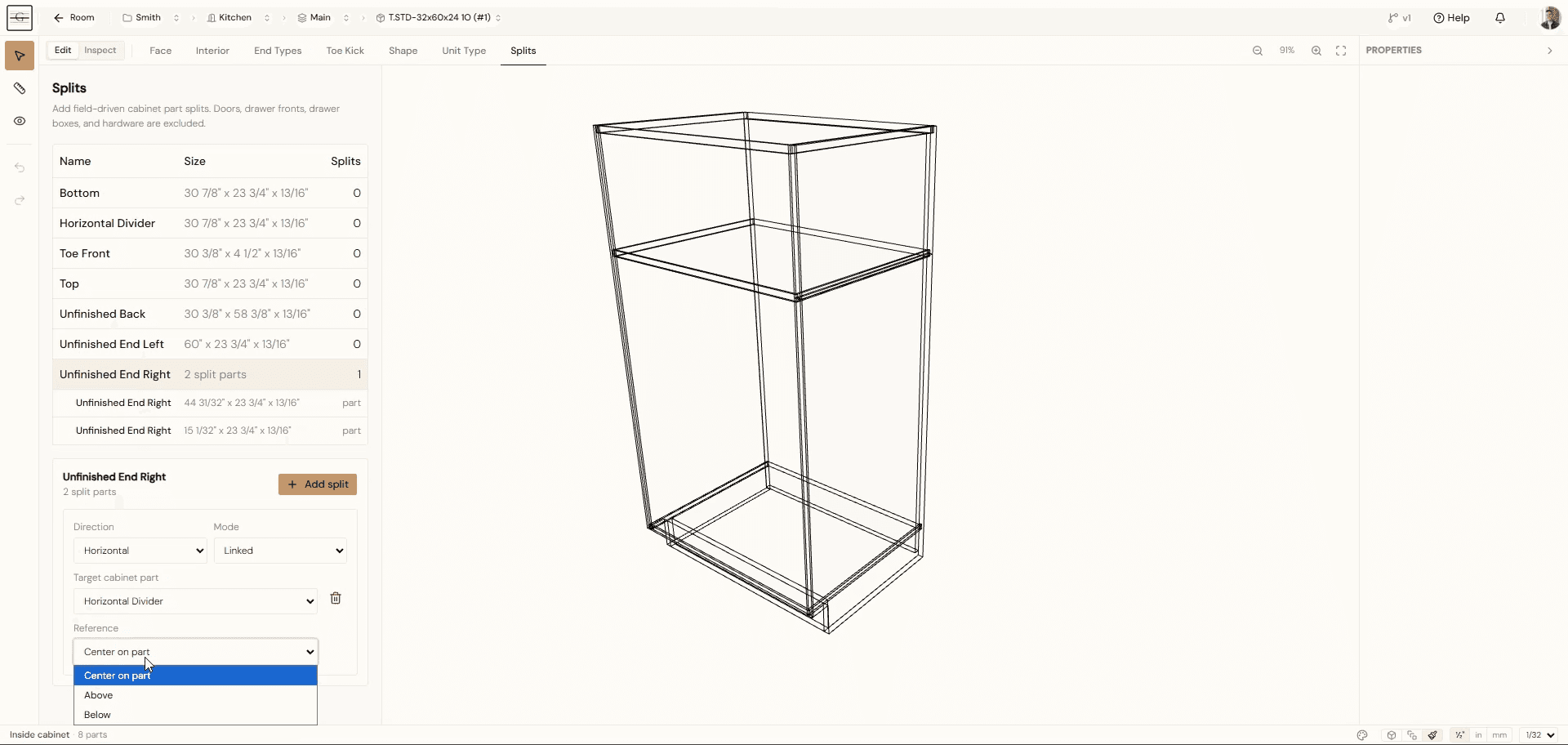
Split Parts
Split a part when a run is too tall or the sheet is too short, and both halves stay fully independent. Fire dadoes and joinery on each, change material, and set part-specific options separately. Link the seam to a divider or another part so you never calculate where it goes, and center it, raise it, or drop it to hide it behind something.
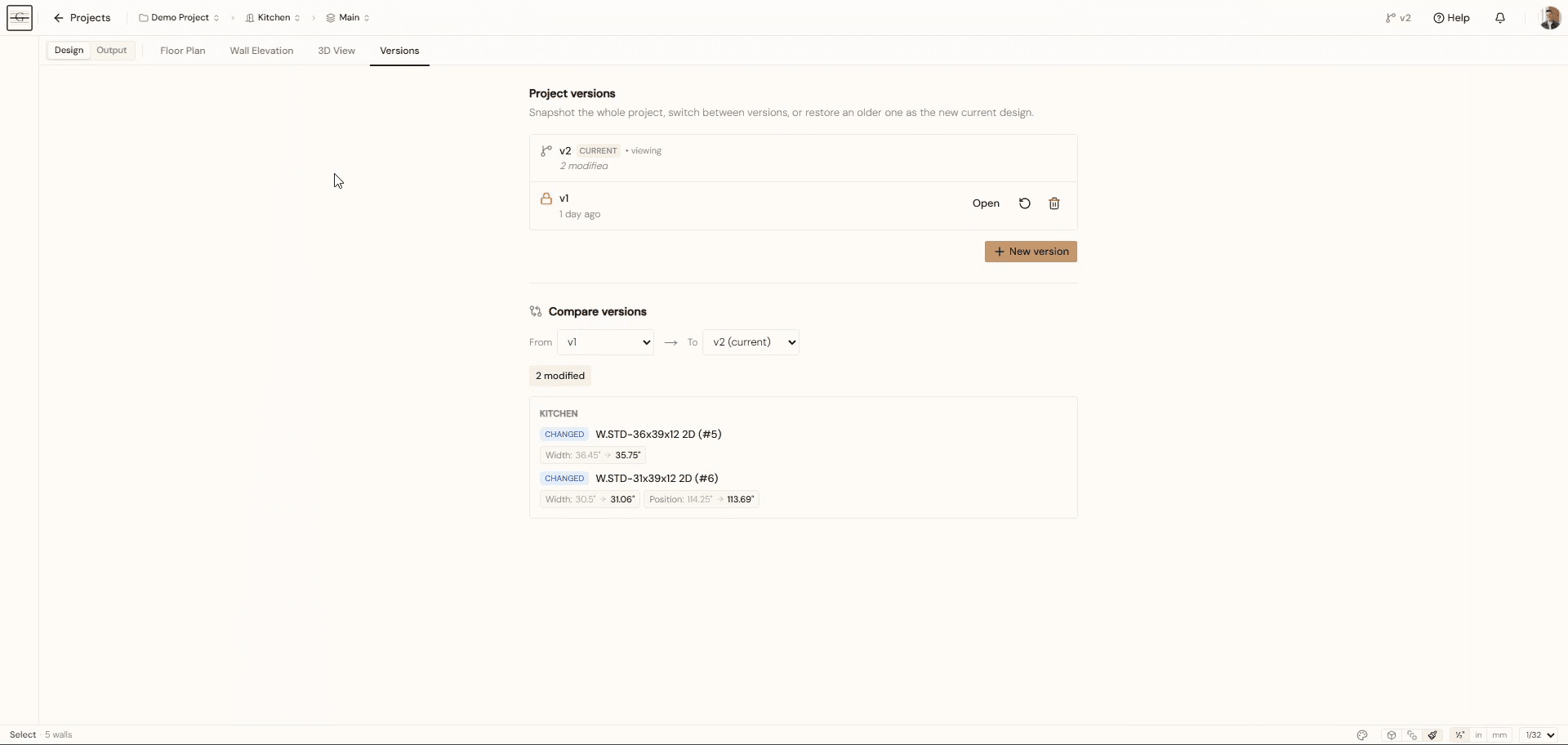
Version History & Compare
Start a project and create a version any time you want a reference point. You get full history, compare between versions, clean version tracking on the drawings, and the ability to restore an older version if you need it. No save-as, no copies, no guessing which file is current.
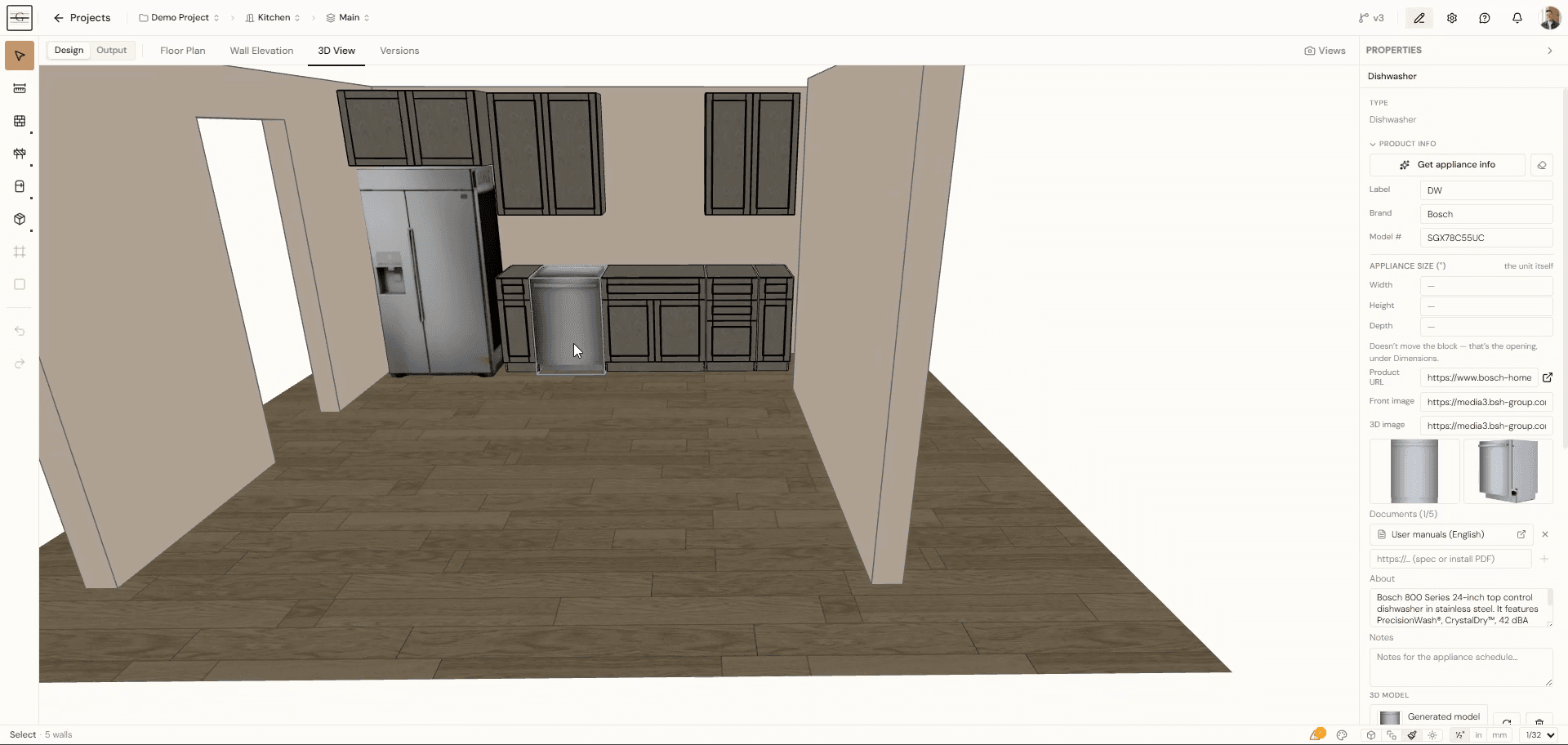
Appliance Info & 3D Generator
Everyone wants appliances on their drawings, but nobody wants to spend thirty minutes finding a model, cleaning it up, and fighting to import it. Grainwork generates a 3D model from product page images so you can show the real appliance.
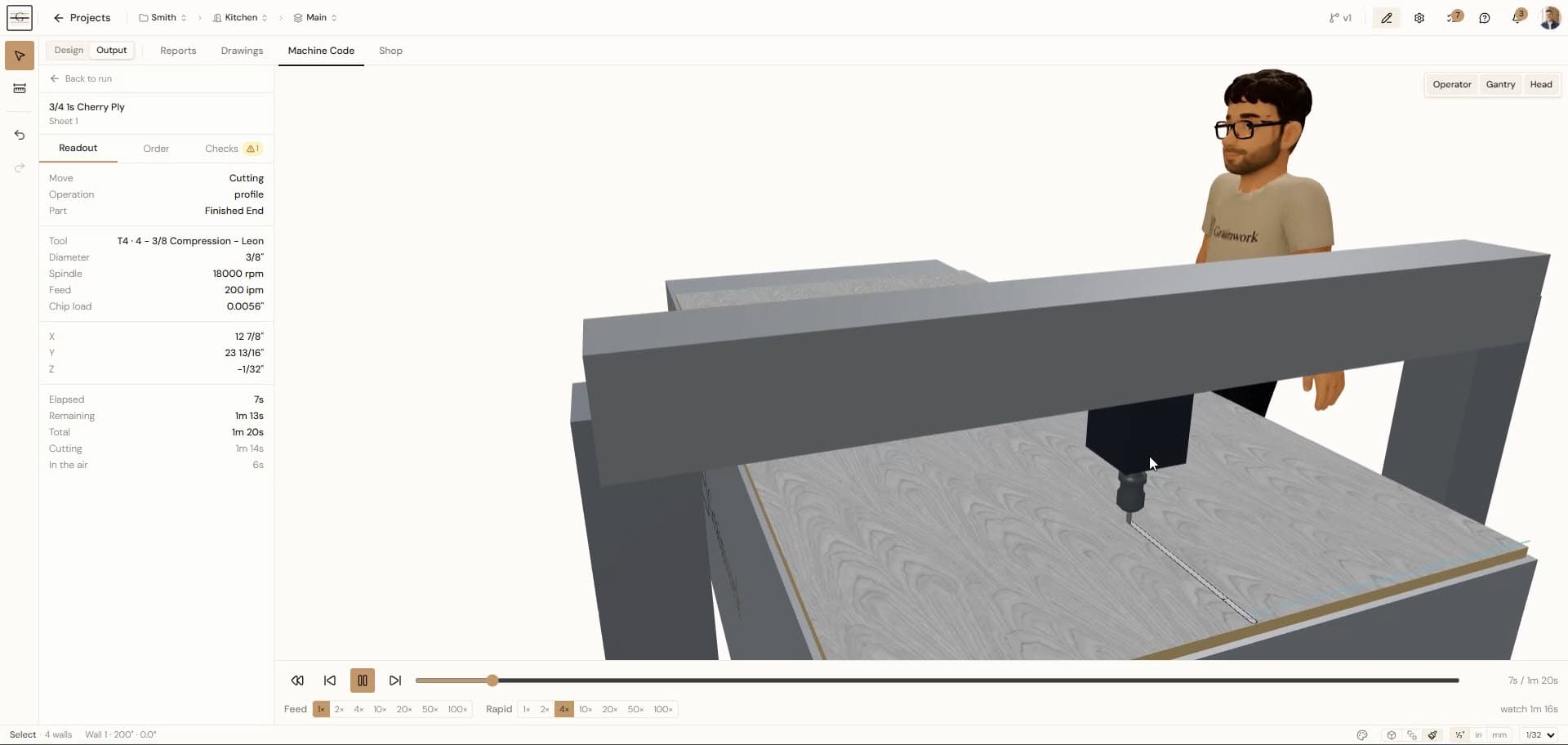
3D Toolpath Simulation
See the toolpaths before you cut. The sheet runs on a 3D model of your machine with your origin points, showing the active tool, spindle and feed, and the material being removed, plus total run time and how much of it is spent in the air.